Many of Us Face the issue of slowing the Computer & it is Irritating. So, to that Problem here are some ways through which you can speed up the Computer.

Now you can listen to this article via Spotify click on the player below:
1. Uninstall unnecessary software:

2. Limit the programs at the startup:
Along the same lines, you can also determine which applications run when your PC boots up. Windows 10 has an updated Task Manager that makes it easier to determine what you want running in the background and what you can start on your own.
3. Add more RAM to your PC:
In terms of memory usage, Windows 10 & 11 uses less RAM than previous versions, but increasing RAM memory has been a tried-and-true way to speed up devices for years.
If you have a convertible or detachable laptop, you’ll likely need to settle for what came in the box. Some business and gaming laptops make it possible to add RAM, but it can still be tricky.
It’s much easier to add more RAM to desktop computers, and it’s much cheaper, too. Anyone with a basic idea of the interior of a desktop tower is capable of installing more RAM in an hour or so.
4. Check for spyware and viruses:
It’s almost impossible not to pick up a virus at some point while browsing the web, but the new Windows Defender software has made it easier than ever to find malware that may be causing major issues on your PC. Third-party programs are also easy to install and can be just as effective in removing any spyware or viruses you may have picked up.
5. Use Disk Cleanup and defragmentation:
Every computer has many files and programs on its hard drive/ SSD that haven’t been used in a while or are unnecessary. Disk Cleanup allows you to find which applications and files can be deleted from your computer, freeing up drive space for the programs you will use.
You should also schedule disk defragmentation on a semi-regular basis so you can be aware of how much hard-drive space you have. Windows has an Optimize Drives tool, which you can access from the Start button or your Cortana search box. There are also some third-party programs that can be helpful in clearing out files that you don’t use anymore.
6. Consider a startup SSD:
When you want better performance, a startup solid-state drive (SSD) can go a long way toward taking some of the pressure off the processor when your computer boots up. If you tend to run many applications at one time or use photo and video editing software, then a startup drive can go a long way toward making these programs run smoother and load faster.
While they’re most commonly installed on desktop computers, SSDs can be used on some laptop models as well. When you don’t have the option of using an internal SSD, you can always purchase an external drive that connects to your PC with a USB 3.0. This drive can give you the extra push you need at startup to accomplish tasks and give you a boost for apps that need more temporary memory to run properly.
7. Take a look at your web browser: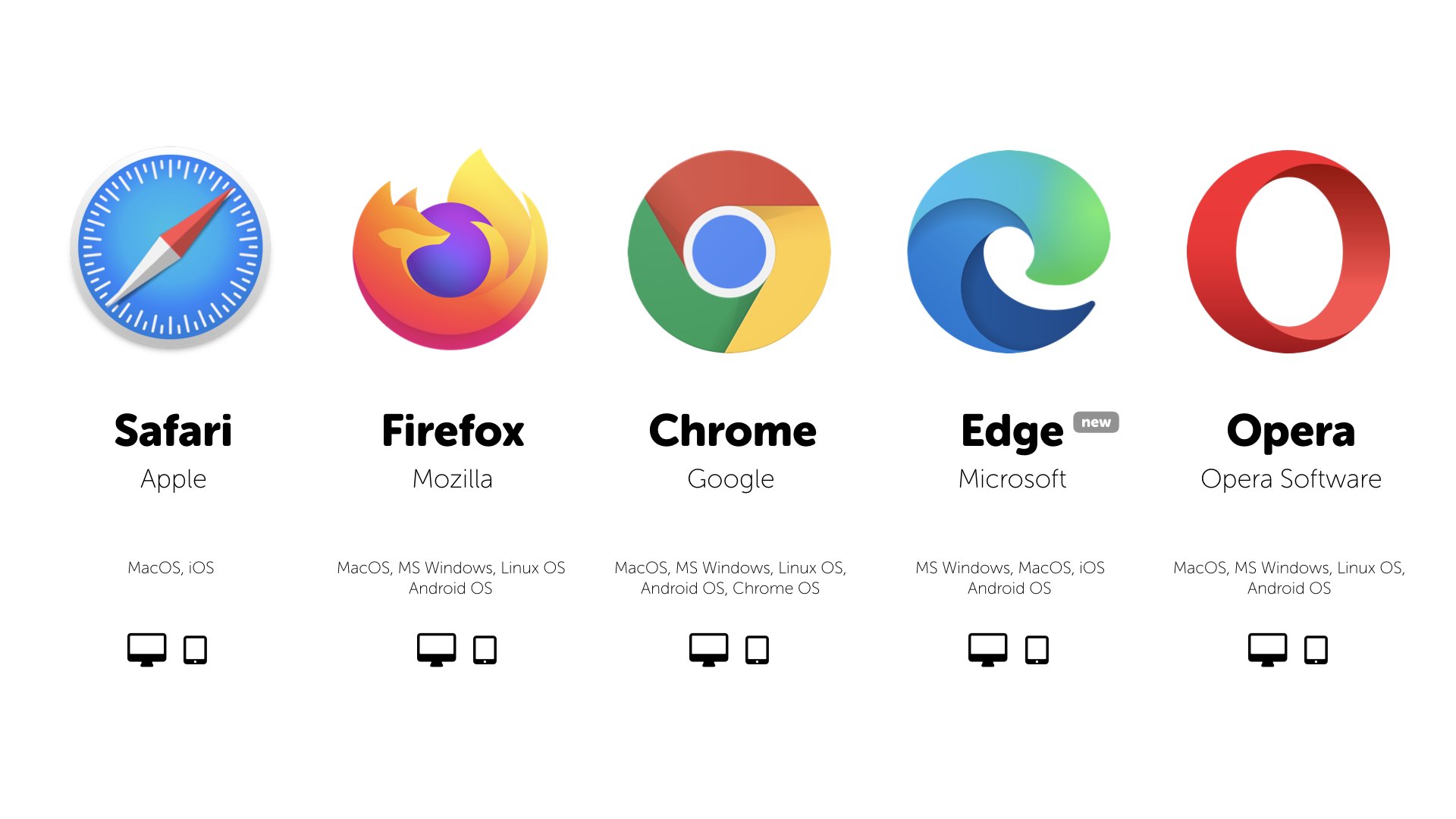
Minor adjustments can often make a difference with the speed of your PC. Something as simple as which browser you use can slow down or speed up the rate at which web pages, videos, and images load. If you have been using a certain browser and notice that there is a lag time, consider an alternative to seeing if the loading speeds are better.
The type of browser you use is not only the thing that may be slowing down your computer when you’re using the web. If you have a full cache that has not been emptied in a while, then you’ll want to visit your settings and make sure that it’s empty.
Your cache comprises what you pick up when you are visiting various websites. Many sites use cookies to figure out your browsing habits and the ads you may click when you visit a site will leave one too. A cache holds these files as information and if you spend a lot of time online, these files can accumulate and cause your computer to run more slowly.
8. Restart Your Computer:
Restarting your computer is probably the easiest fix for almost any PC problem, including general system slowdowns. When you restart your computer, you stop all running software, tasks, processes, and open pieces of data that are draining your computer’s processing power.
When you boot back up, your computer will have a lot more free memory to operate, which is why it will likely perform a lot faster.
Because restarting your machine is almost effortless (and pretty quick), you should always use this method first before trying anything else.
9. Empty Your Recycle Bin:
Most people delete files, but these files get moved to the Recycle Bin and are then forgotten about. It’s important to regularly empty the Recycle Bin to fully remove deleted files from your system.
When you permanently remove your files from your PC, they’re gone forever — unless you’ve backed them up onto your external hard drive or to a cloud storage platform.
10. Reinstall Windows: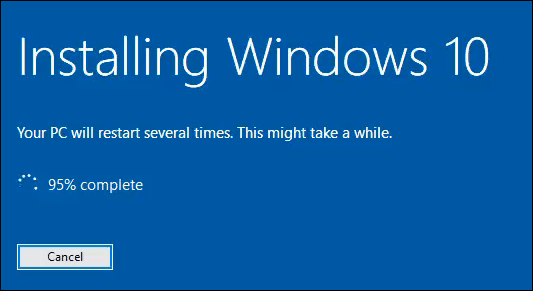
If your computer is severely slowed down, consider starting again with a fresh version of Windows.
You can do this from home and you won’t need to pay for a new version of Windows if you already have Windows installed and activated. But installation can take up to a few hours, and you will need to reinstall all of your apps and settings (and maybe even your files).
11. Overclock Your CPU:
Overclocking essentially means forcing your CPU components to run faster than they were designed to.
This method can be a bit dangerous, as overclocking can cause processors to overheat and become damaged. It may not even be possible to overclock your CPU if the motherboard is locked.
Overclocking can also be very time-consuming and expensive if you mess up the CPU in the process.
I wouldn’t recommend this option for most users. But for advanced, technically-minded users who are experienced in upgrading their PC, this might be something worth trying.
Before overclocking your CPU, you’ll need to upgrade your computer’s cooling system (with a higher-powered fan) and update the clock rate via the BIOS.
If you have the experience and know-how, this is a clever, backdoor way to speed up a computer.
12. Upgrade Your Computer’s Hardware:
If all else fails, there could be mechanical problems that are limiting your computer’s performance. Maybe your computer components are just so out of date that they can’t keep up with modern demands.
Therefore, consider upgrading some of your computer’s components to speed up your system. Desktop PCs will usually be easier to upgrade than laptops but always check with your manufacturer first.
You have a few options here, depending on what’s causing your computer’s slowdown:
- Upgrade your computer’s RAM to handle more tasks at the same time.
- Switch your HDD for an SSD for faster and easier access to files and shorter load times.
- Upgrade your GPU (graphics processor) for a better experience with gaming and high-definition video.
13. Conclusion (Maintaining Good PC Performance):
Regardless of what’s causing your PC to slow down over time, there are a few best practices to keep in mind for better day-to-day performance such as:
- Always close apps and software you’re not using.
- Move large files to an external storage drive and/or to a cloud storage platform.
- Regularly empty your Recycle Bin and delete software caches and unnecessary downloads.
- Restart your computer regularly.
- Do occasional defrags (if you have an HDD) and chkdsk scans for errors.
- Protect your device with a reliable antivirus program.
However, all computers and their components degrade and have to be replaced or upgraded over time. But with proper care, you can delay that and give your computer a long, happy life
-----------------------------------------------------------------------------------------------------------------------------
-----------------------------------------------------------------------------------------------------------------------------
Hope You Enjoyed reading & Got some Impact-full Learnings from this article, If you Did then Hit the like button & put a comment. This helps us to work harder & Smarter Day by Day. & it motivates us to make this kind of content...
-----------------------------------------------------------------------------------------------------------------------------
Follow us on Social media:
Instagram:- http://bit.ly/InstagramAudioBookMC
Deepstash:- https://bit.ly/UnboxingSpaceDeepstash
Facebook page:- https://bit.ly/FacbookPageUnboxingSpace
---------------------------------------------------------------
Get a free e-book: https://t.me/AudioBookMediaCenter
-----------------------------------------------------------------------------------------------------------------------------
Give your Feedback Here: http://bit.ly/FeedbackAudioBookMC
---------------------------------------------------------------
If you have any inquiry/ promotion ETC then e-mail 📧 us unboxingspace2020@gmail.com
The Source of information is from the "Internet & Self-analysis" ××××××××××××××××××××××××××××××××
Digital Service Provider/ Manager: https://bit.ly/InfinitygroupDM ××××××××××××××××××××××××××××××××
© Copyright 2021-22, All Rights Reserved, Unboxing Space
Comments
Post a Comment